
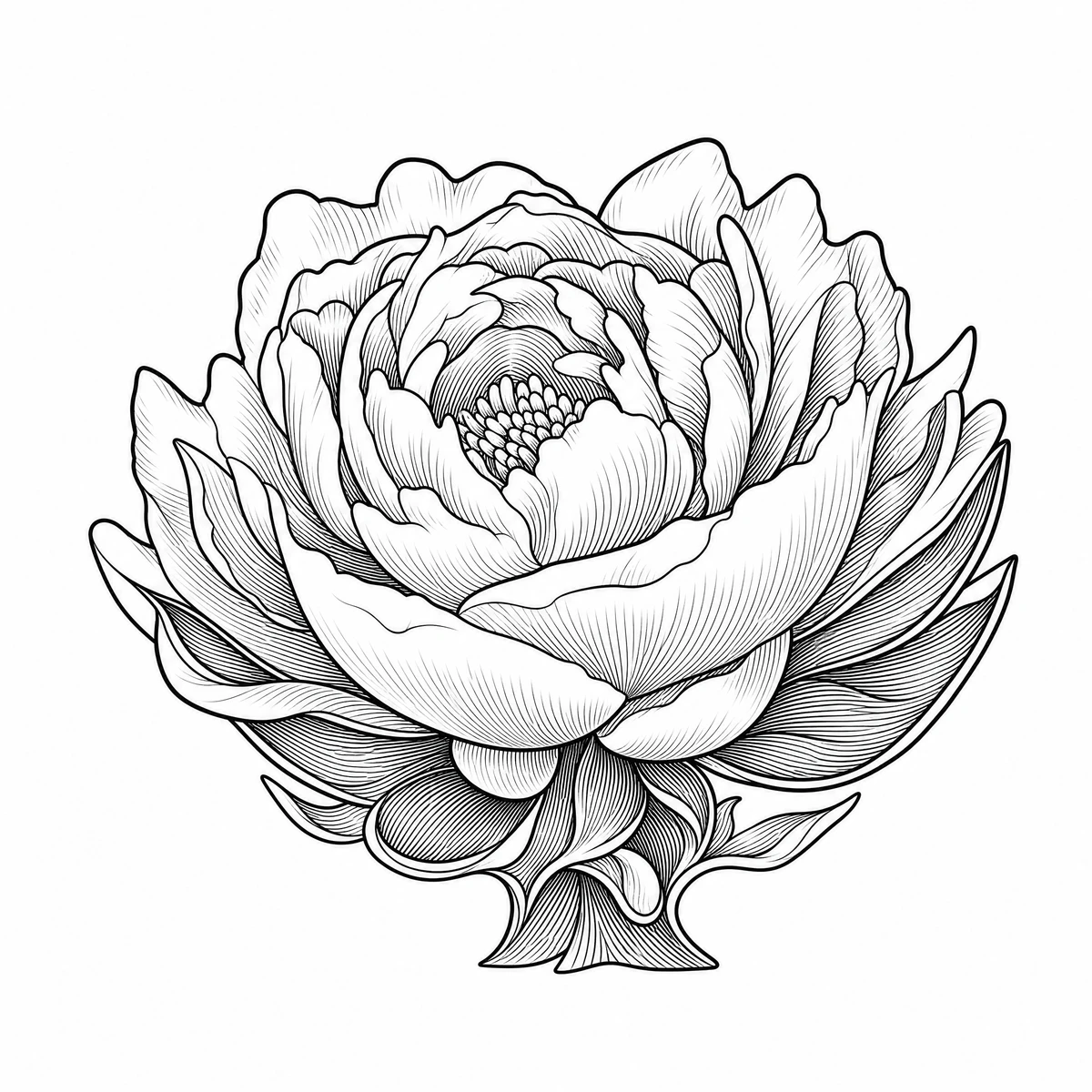
GPT Image 2
GPT Image 2 — this run invents dense interior petal lines and simplifies the flower base. Compare the large shaded folds in the source before transferring.
Botanical study / Petals, leaves and negative space
Turn a flower reference into a floral tattoo stencil draft. Compare petal contours, overlapping leaves and shadow marks before choosing the lines to print and refine with your artist.
Real conversions from this website, generated on October 26, 2026. These are digital previews, not photographs of completed tattoos. Model output can change details; compare with your source before printing. Three model outputs from the same flower reference, not three independent photo tests.
GPT Image 2 — this run invents dense interior petal lines and simplifies the flower base. Compare the large shaded folds in the source before transferring.
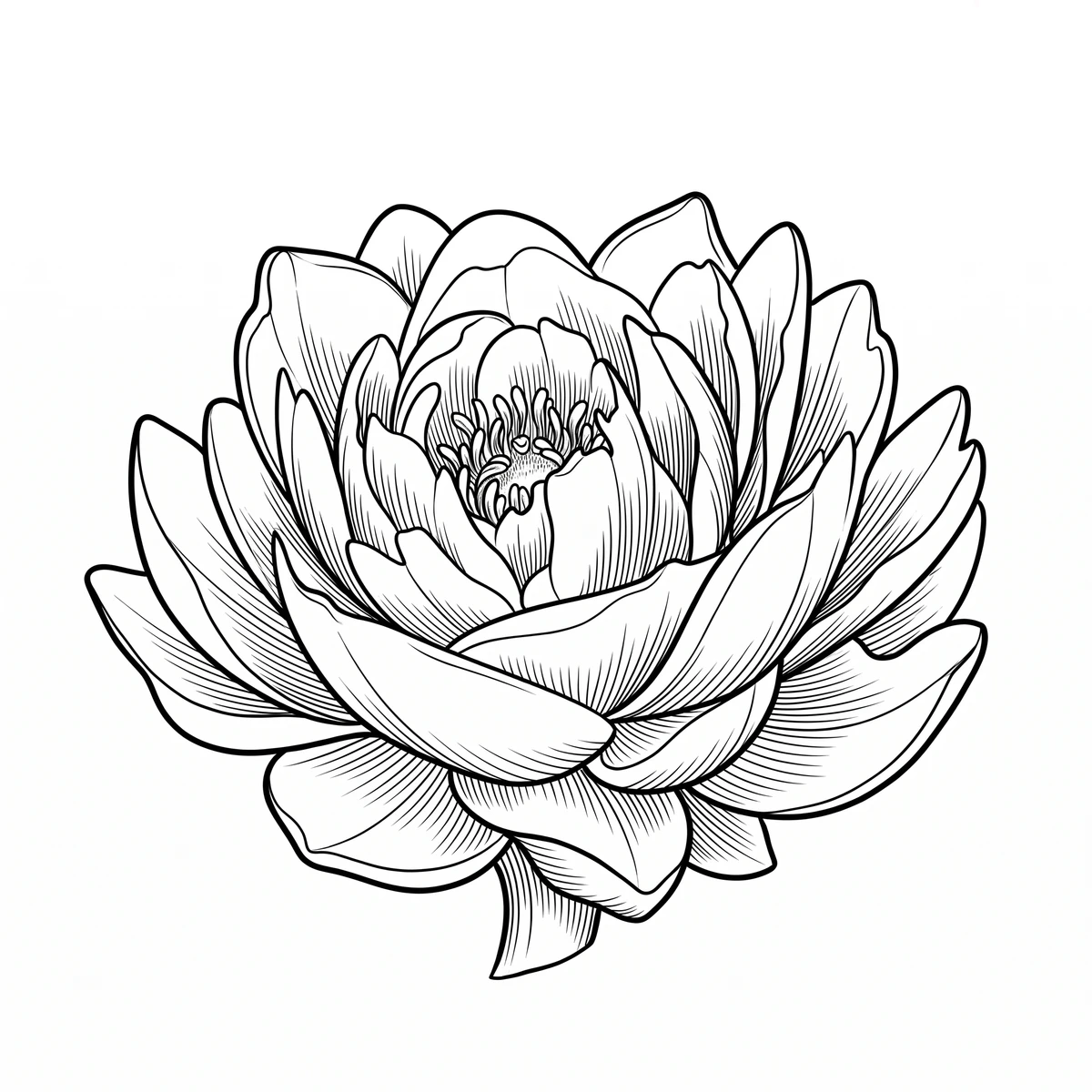
Nano Banana 2 — inspect petal overlaps and the spaces between adjacent lines.
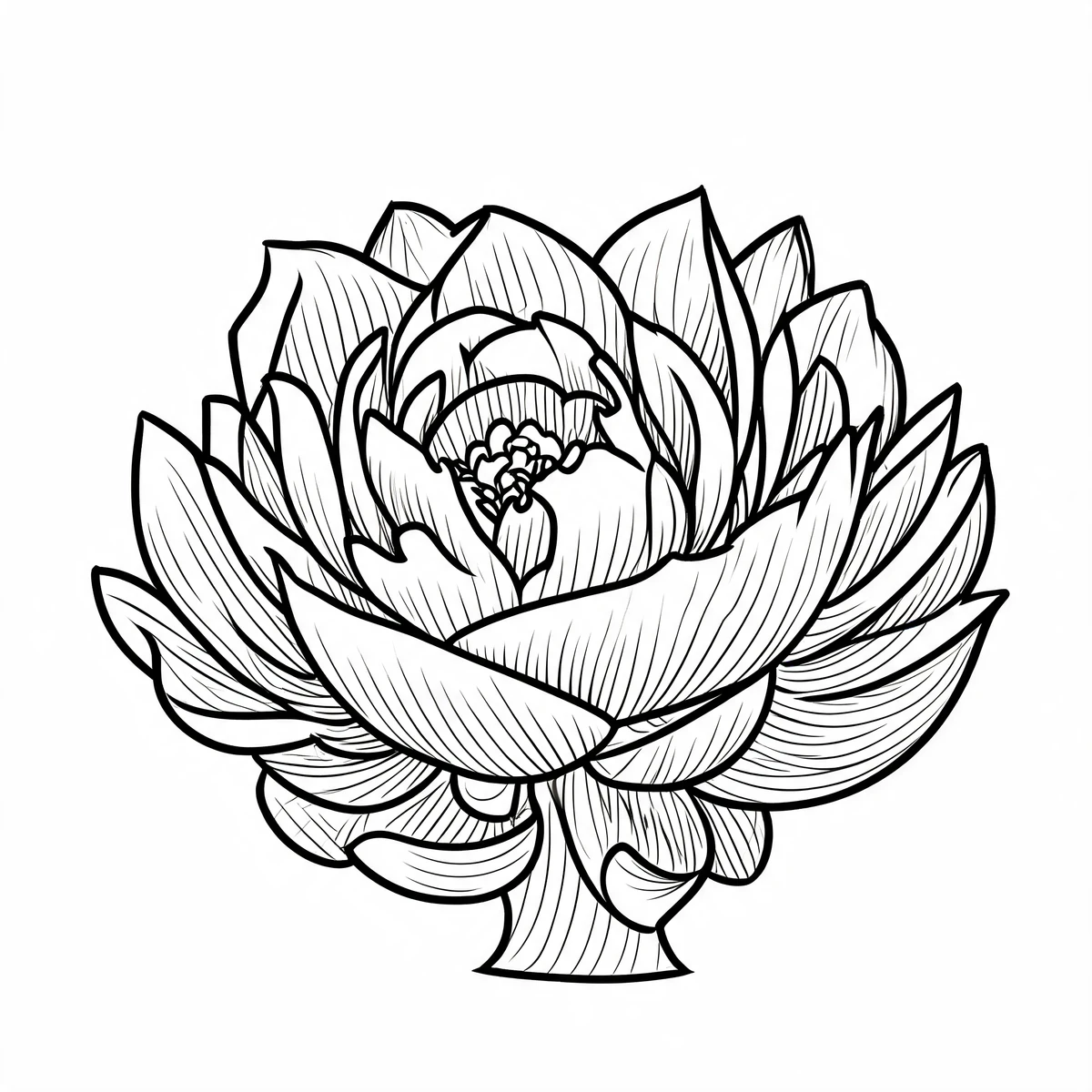
Seedream 5 Lite — check the relationship between the bloom, leaves and shadow marks.
Use a complete bloom with a clear outline. Crop away unrelated objects in your image editor before uploading. If petals merge into a dark background, try a clearer photograph rather than relying on invented detail.
Trace the path of the main petals and leaves with your eye. Small shaded folds may become extra lines. Verify that stems connect to the intended parts and that the overall flower remains recognizable.
Dense detail can make a small stencil hard to read. Review the draft at your intended print size and discuss which lines to simplify. The generator does not guarantee a botanical species or a healed fine-line result.
This workflow converts an uploaded reference image. It does not offer a text-only flower designer. Upload a rose image you have the right to use if that is your intended subject.
They demonstrate how conversion behaves. They are not a library of licensed flash designs or proof of a tattoo artist’s finished work. Use your own reference for a design you plan to tattoo.
No. Line spacing, final size and placement need an artist’s judgment. AI can add dense hatching or lose tiny petal details, so treat the result as a draft and simplify it before transfer.