
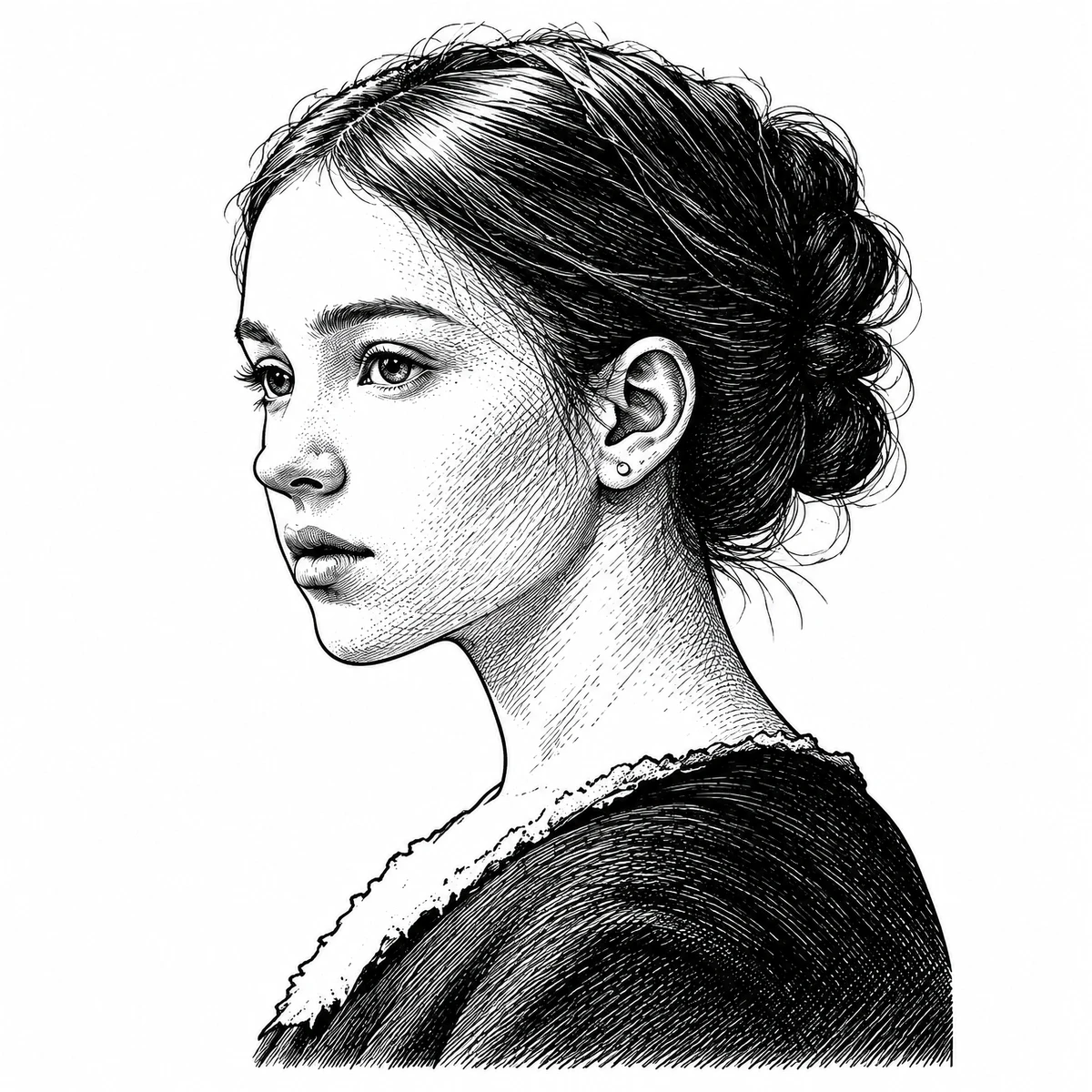
Portrait / GPT Image 2
Portrait reference — GPT Image 2. Compare the face outline, eye and dark hair shapes with the original.
Photo study / Reference to line art
Turn an existing photo or drawing into a black-and-white tattoo stencil draft. Upload your reference, choose an image model, and compare the generated lines before downloading. Generation requires sign-in and credits.
Real conversions from this website, generated on October 26, 2026. These are digital previews, not photographs of completed tattoos. Model output can change details; compare with your source before printing.
Portrait reference — GPT Image 2. Compare the face outline, eye and dark hair shapes with the original.


Flower reference — GPT Image 2. Inspect overlapping petal edges rather than assuming every shaded region is a boundary.


Lettering reference — GPT Image 2. A readable word can still contain altered joins or letter shapes; compare each stroke.
A visible silhouette and uncluttered background make comparison easier. For a person or pet, use a sharp reference with the important features in focus. A model cannot reliably reconstruct detail missing from the original.
Upload a JPG, JPEG, PNG or WEBP image up to 30 MB. Sign in and check the selected model and resolution’s credit cost. The model may interpret the reference instead of tracing it pixel for pixel; processing time varies.
Check the whole silhouette first, then inspect small details. Download the generated image when it is useful. Set physical dimensions in your print software and make a plain-paper proof before preparing transfer paper.
No. This workflow uses an AI image model and may redraw features. It is useful for a stencil draft, but it is not a guaranteed exact tracing or a vector converter.
You can upload an image you have the right to use. Curved skin, glare and perspective can distort the reference. Start with flat original artwork where possible and review the result with your artist.
Generation uses credits according to the selected model. New accounts may receive starter credits according to the current site configuration. A paid generation includes its download; inspect the price in the tool and pricing page.