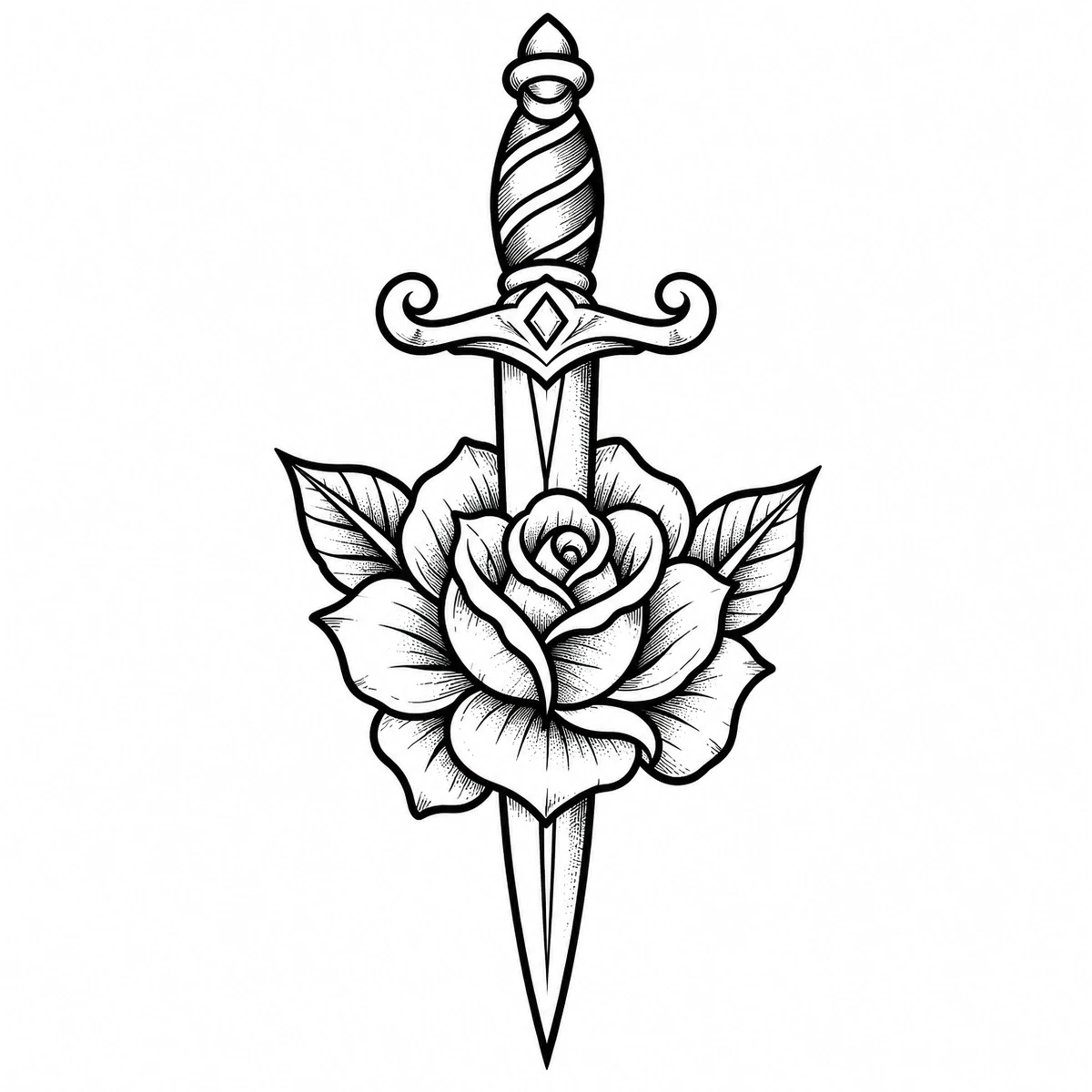
GPT Image 2 / 2K
This run keeps the bold rose-and-dagger silhouette, but redraws parts of the flower center and adds fine hatching across the petals, leaves and handle. Review these extra marks before printing.
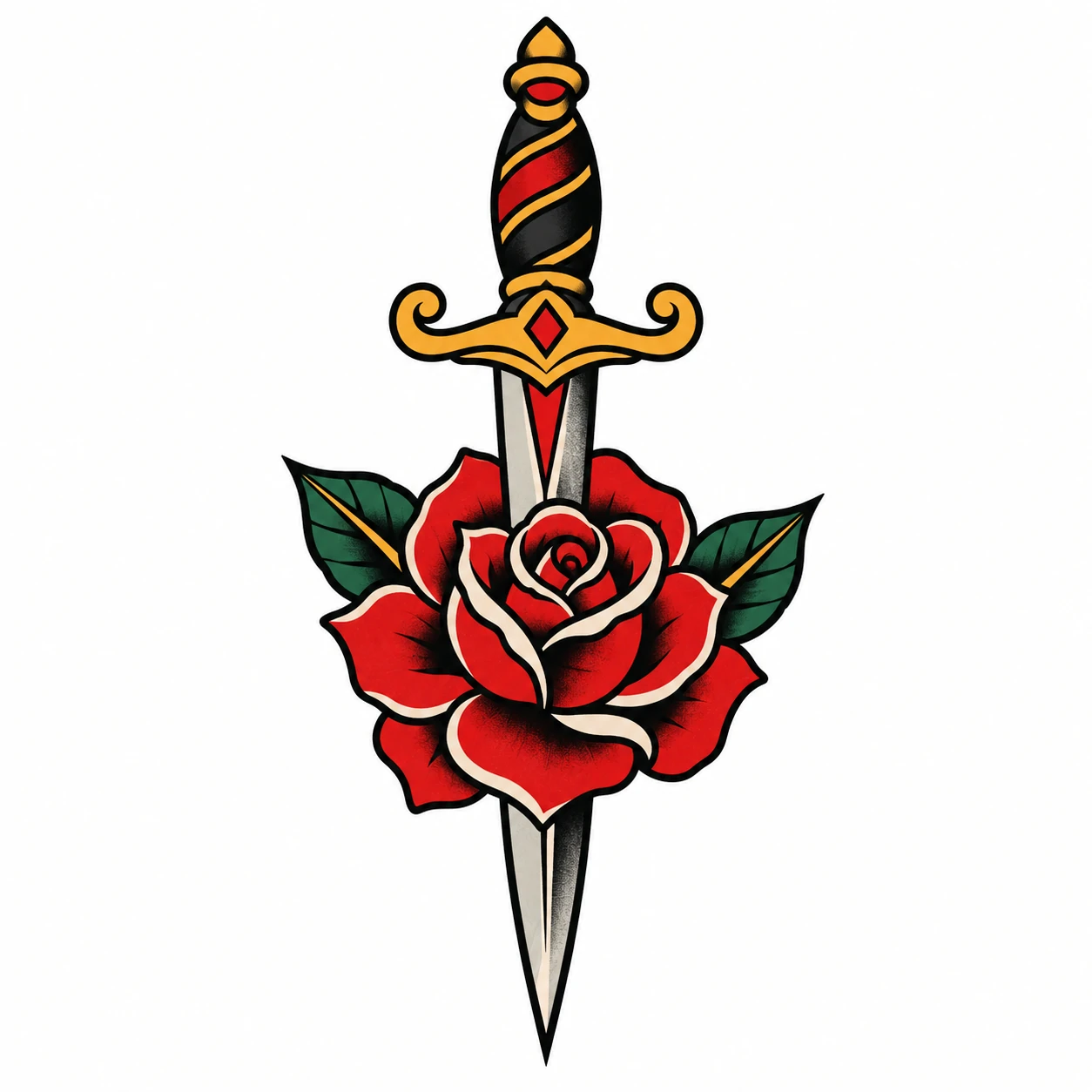
Traditional reference / Bold outlines, clear spaces
Turn an existing traditional tattoo design into a black-and-white stencil draft. Upload your reference, compare the outline and refine the result with your artist.
One AI-created rose-and-dagger reference, converted through the live tool on 28 October 2026 using three models at 2K. Each native result is 2048 × 2048 pixels. These web previews are compressed and resized; compare each draft with the original before printing.
This run keeps the bold rose-and-dagger silhouette, but redraws parts of the flower center and adds fine hatching across the petals, leaves and handle. Review these extra marks before printing.
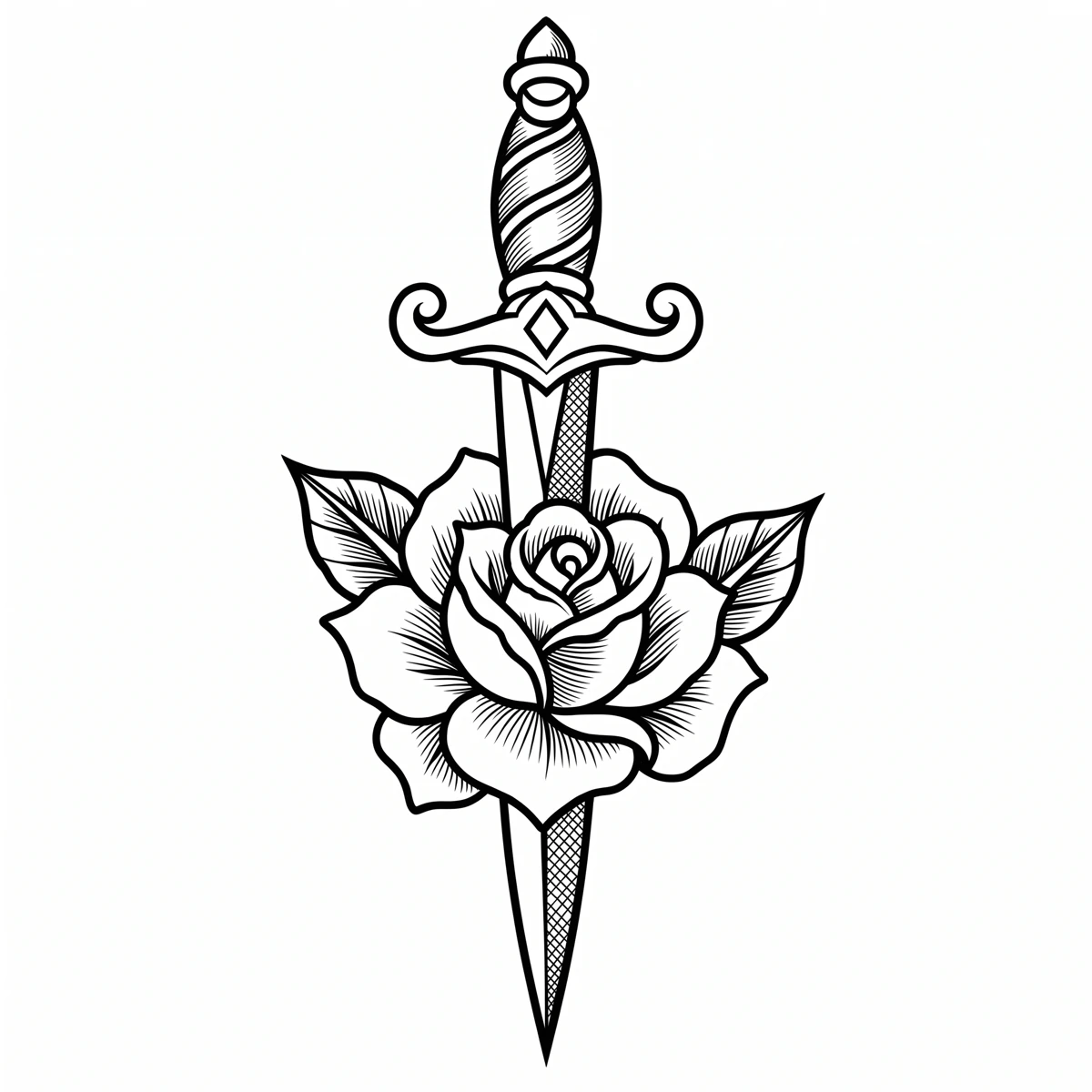
This run uses clean, heavy contours with regular petal hatching and a crosshatched strip on the blade. The rose center and some internal edges change, so compare them with your reference.
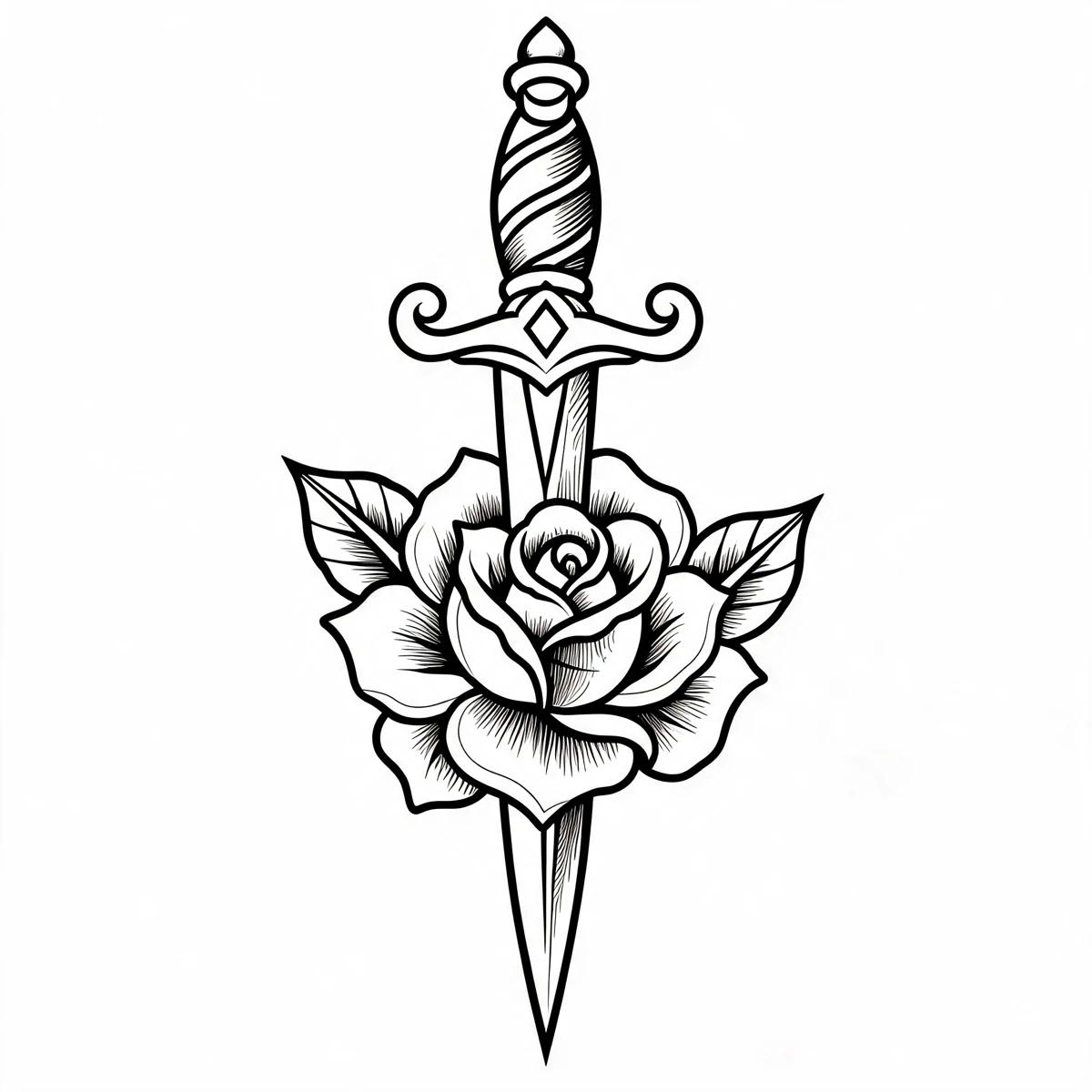
This run retains the main silhouette and converts colored shading into tapered hatch marks, including along the blade. Check the redrawn flower center and dense shadow marks with your artist.
Upload a clear photo, scan or digital design that you own or have permission to adapt. Keep the complete motif visible. A flat design on a plain background is easier to compare than artwork photographed around an arm.
Traditional designs often combine heavy borders, solid black areas and small color accents. Compare the generated draft with the original to decide which shapes define the motif and which marks are only shading.
Sign in, upload the image and choose a model and resolution. The tool shows the credit cost before generation. Download the resulting image, test your intended print size and ask your artist to refine the linework before transfer.
This page converts an uploaded image. It does not provide text-only design generation or a dedicated traditional-style switch. Start with an existing traditional design you have permission to use.
The conversion produces a black-and-white line art draft. Color fields and shading can become outlines, hatching or simplified areas. Compare the draft with the original and decide with your artist which marks are useful for the stencil.
Exact tracing is not guaranteed. AI can alter petal counts, intersections, proportions or decorative details. Check the whole design and correct unwanted changes before printing.
You can download an image and prepare it in your printing software. The 1K, 2K and 4K options are resolution tiers, not centimeter sizes. This page does not provide SVG paths, a true-size PDF or automatic mirror settings; check dimensions and orientation for your printer.
Use a clear scan, photograph or digital drawing of a traditional design that you own or have permission to adapt. Keep the whole motif visible, including any dagger tip, petals, leaves and lettering. This page converts your image into an outline draft.